Adding User Profiles
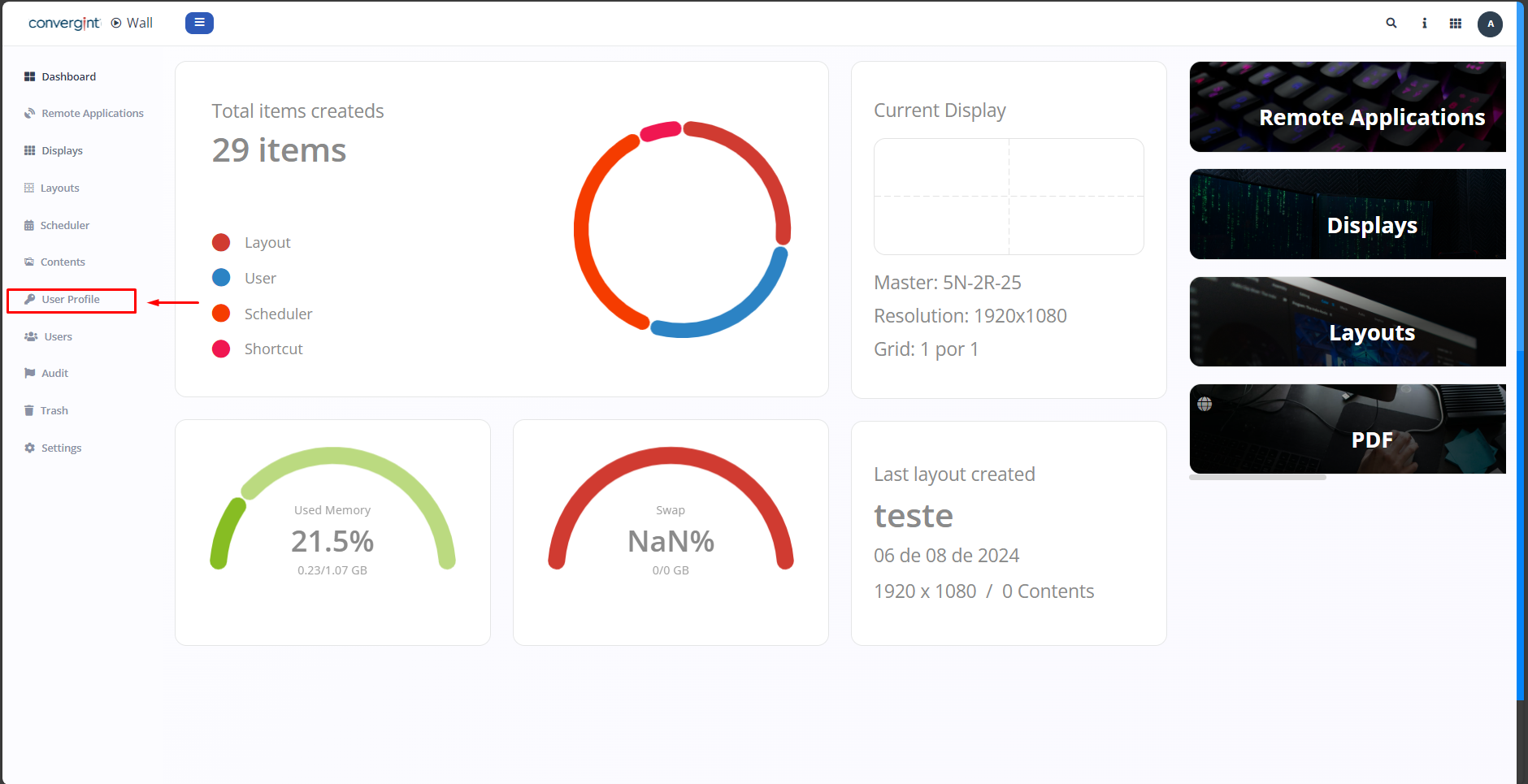
The first step to add User Profiles is to access the "User Profile" tab. This function allows for the creation of profiles that encompass permissions granted to users according to your preference, thereby facilitating the creation of users with their respective permissions.
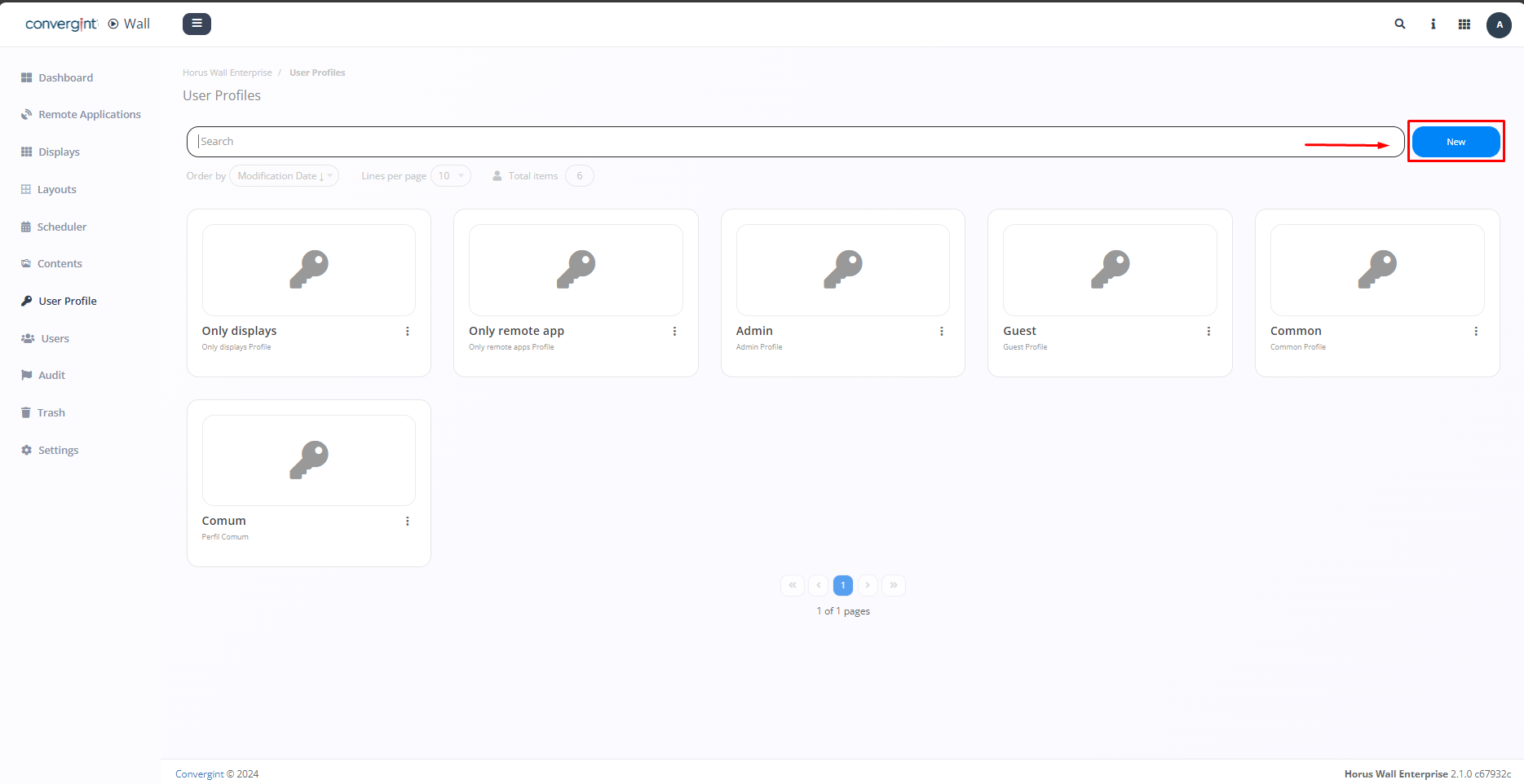
By clicking on "User Profiles," the system will open the screen that allows you to start the profile creation process. To do this, click on "New."
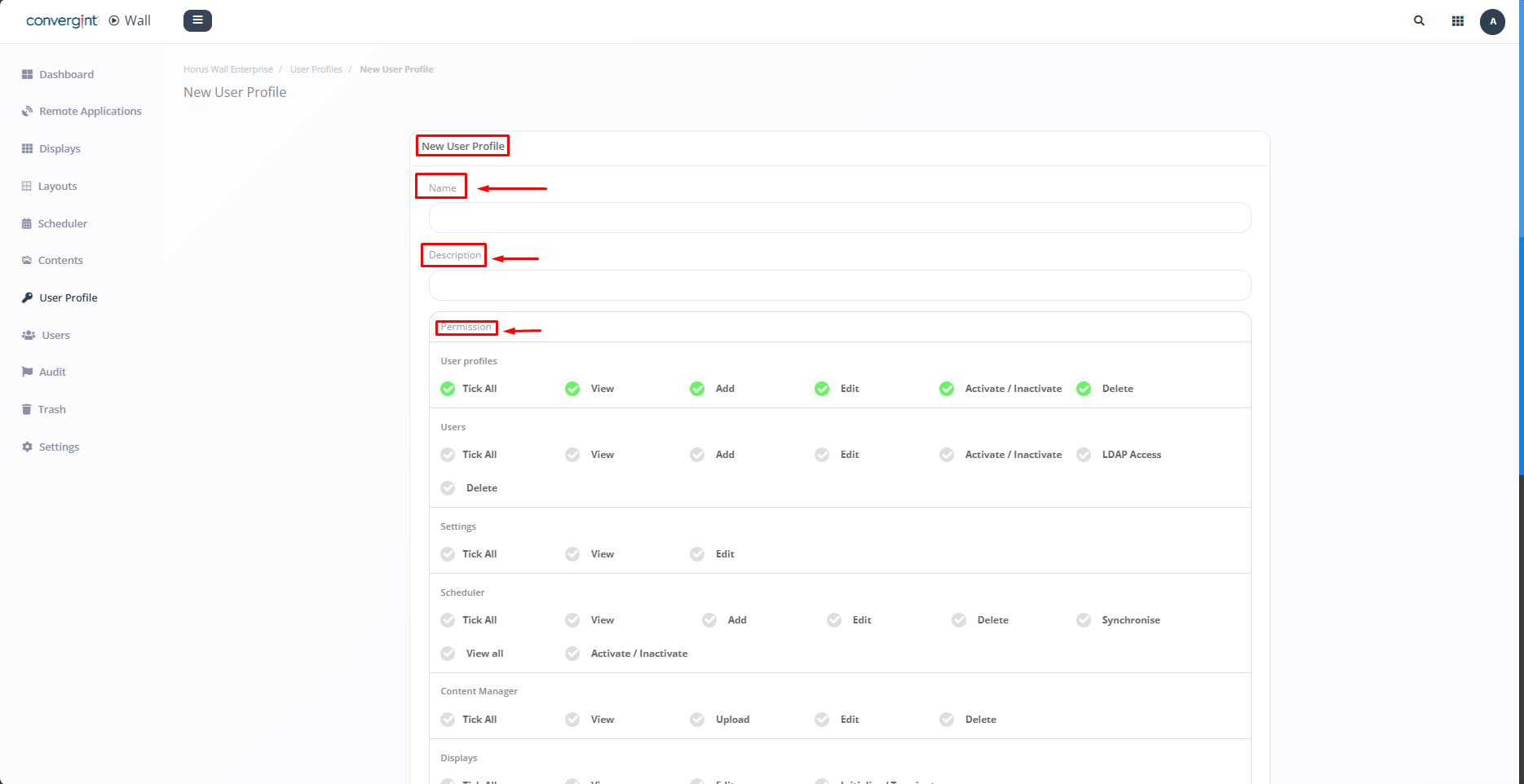
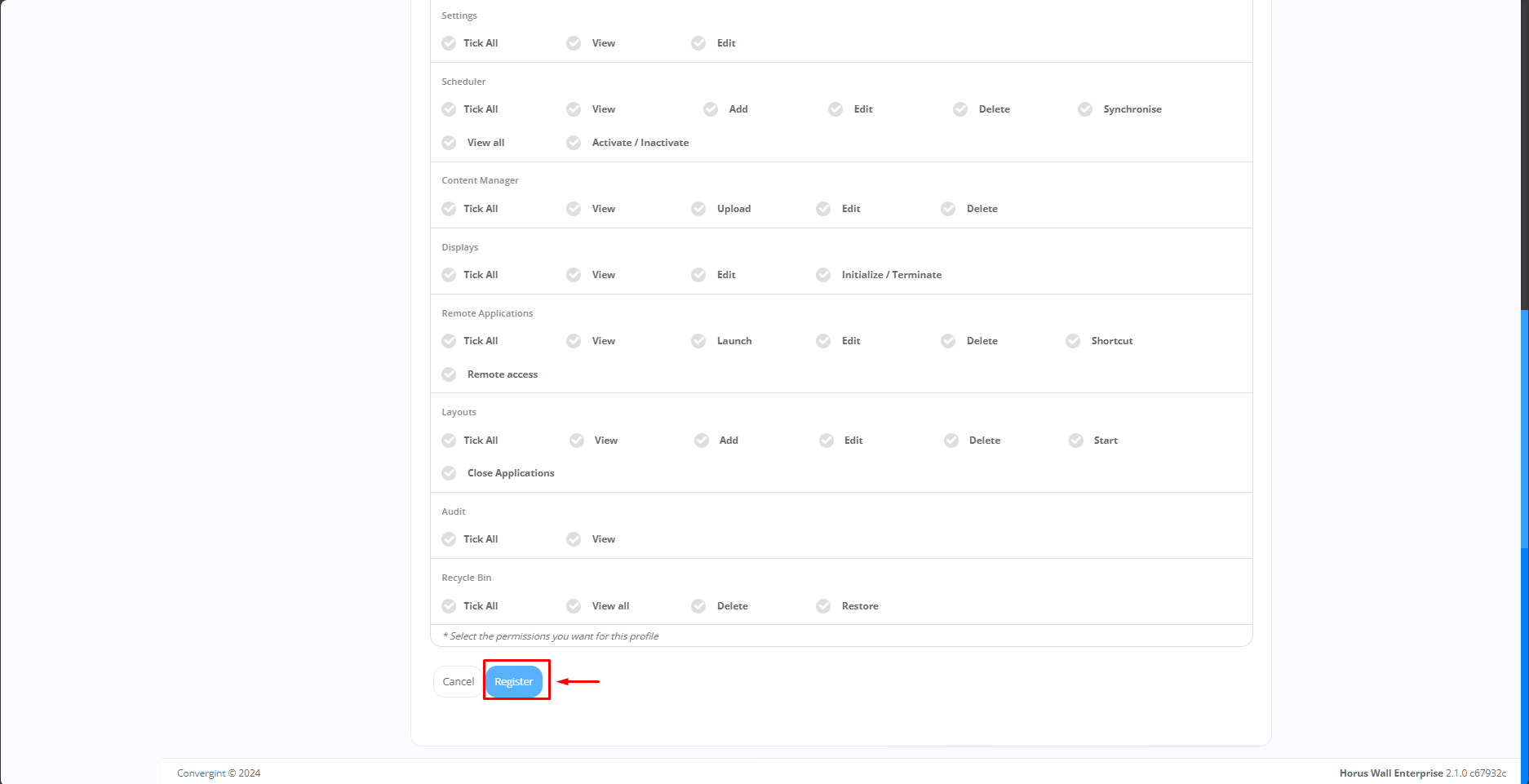
By clicking "New," you will be able to create a user profile according to your preferences. Enter the profile name, provide a description (optional) to illustrate the new profile, and assign the permissions you want the new user to have access to. After filling in the desired permissions, click "Register."
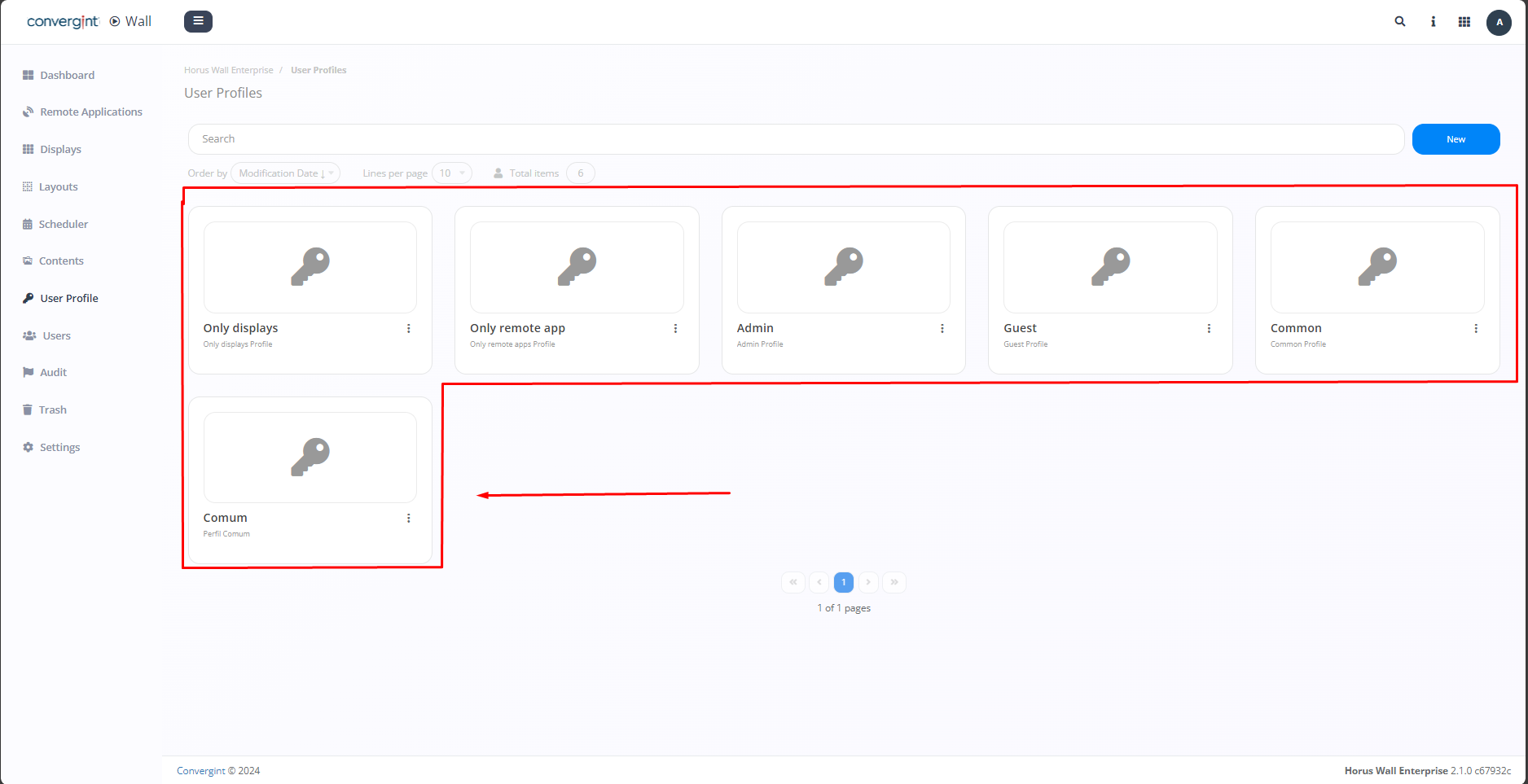
Note: Upon accessing the "User Profiles" tab, you will notice that there are default profiles available, which increase the convenience of using the function.